 New
New
 New
New

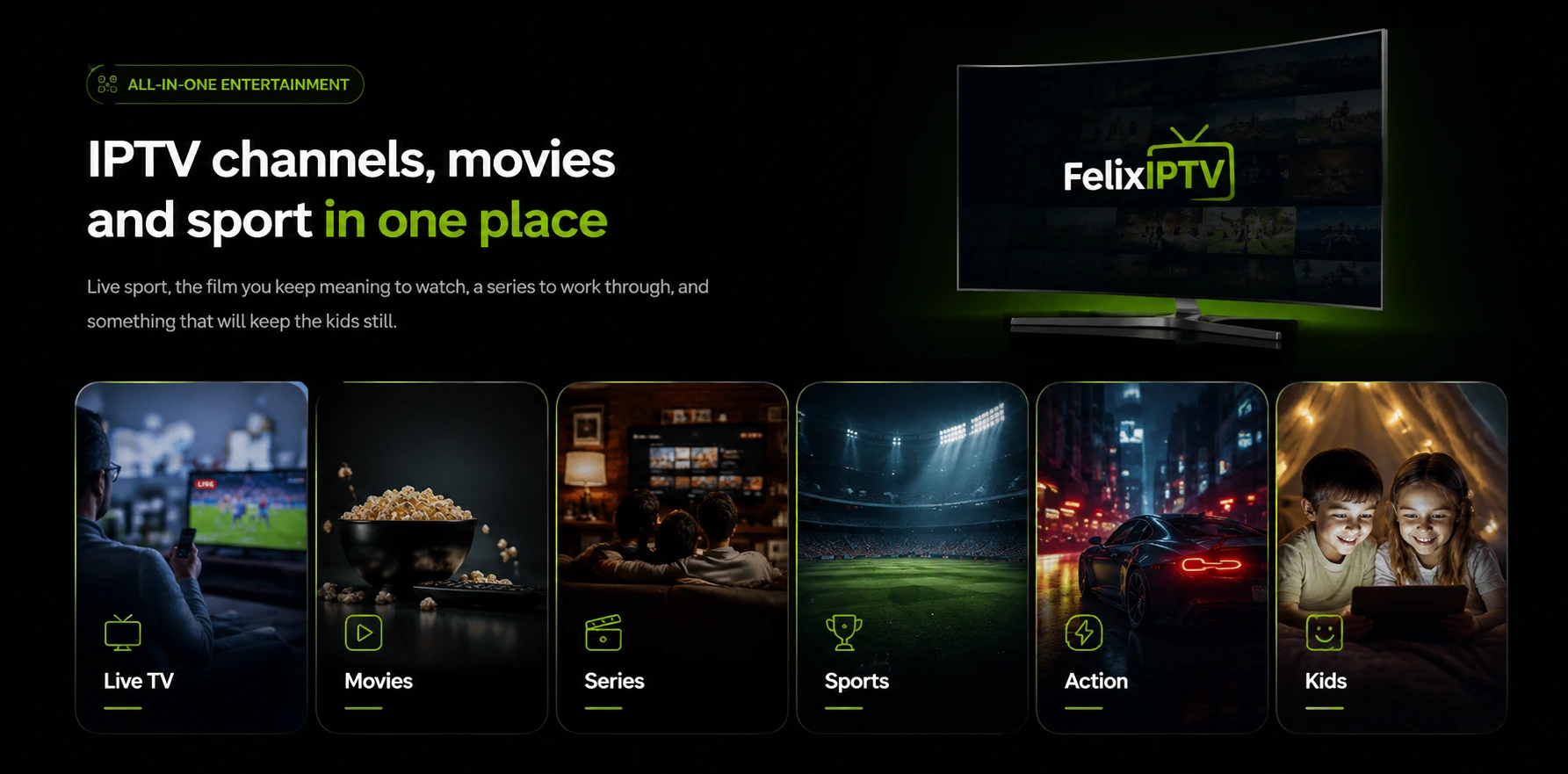
Live TV, made simple
Live channels from around the world in a clean, organised experience.
- Easy channel browsing
- Organised categories, including sport
- Quick access to favourites

Premium IPTV streaming
Live TV, movies, series and sport from around the world in HD and 4K — on the Smart TV, Firestick or phone you already own. Set up takes minutes, and a real person answers on WhatsApp when you need one.
What you get
One subscription. One app. Everything you want to watch, all in one place.
Live channels from around the world in a clean, organised experience.
Films and full series with descriptions, seasons and episodes.
Watch on the devices you already own, with a clean and simple viewing experience.
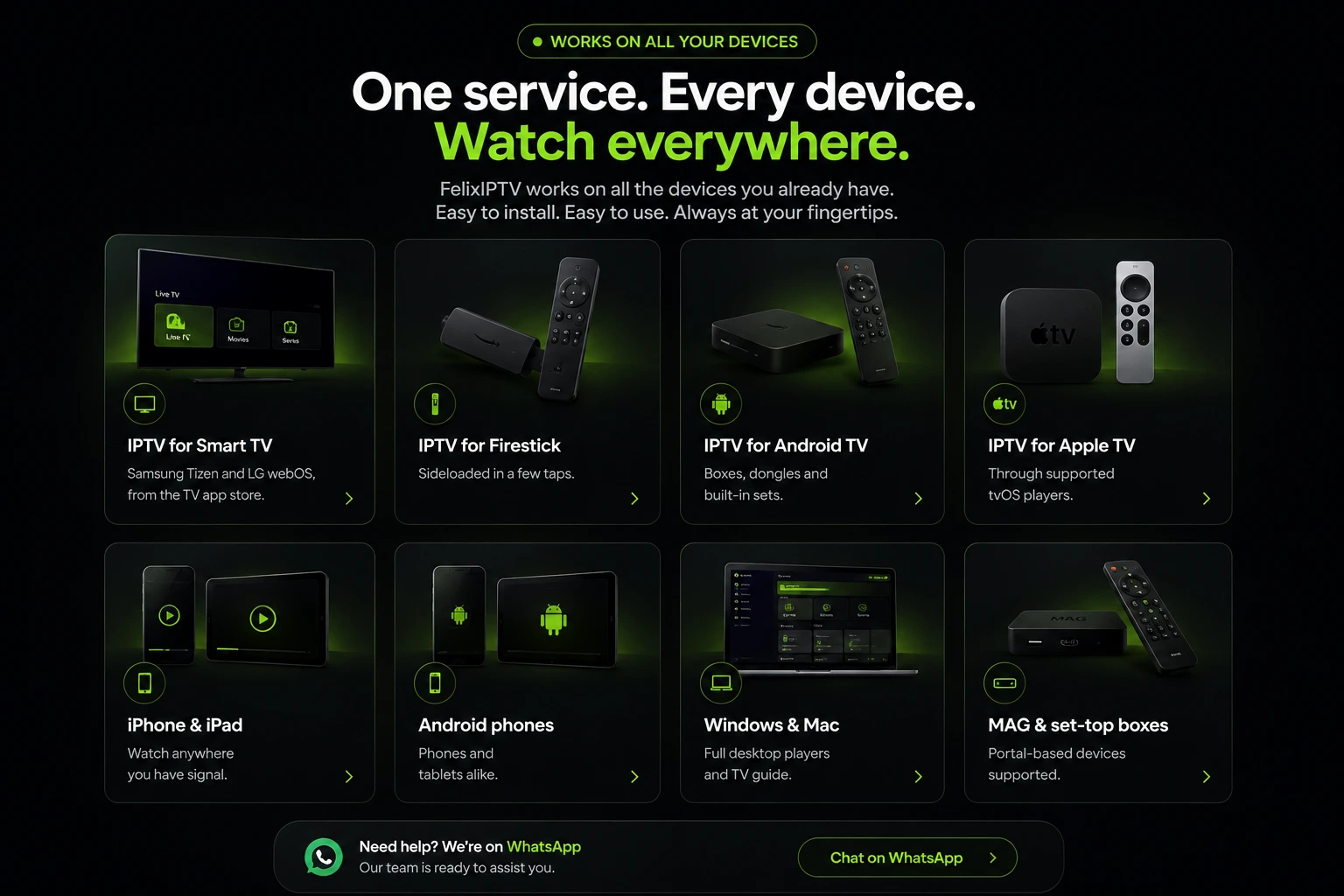 IPTV for Smart TV
IPTV for Firestick
IPTV for Android TV
IPTV for Apple TV
IPTV for Smart TV
IPTV for Firestick
IPTV for Android TV
IPTV for Apple TV
Popular players & apps
FelixIPTV works with the popular IPTV players and apps. Pick whichever suits your device — our guide to the best IPTV players compares them, and we send setup steps for the one you choose.
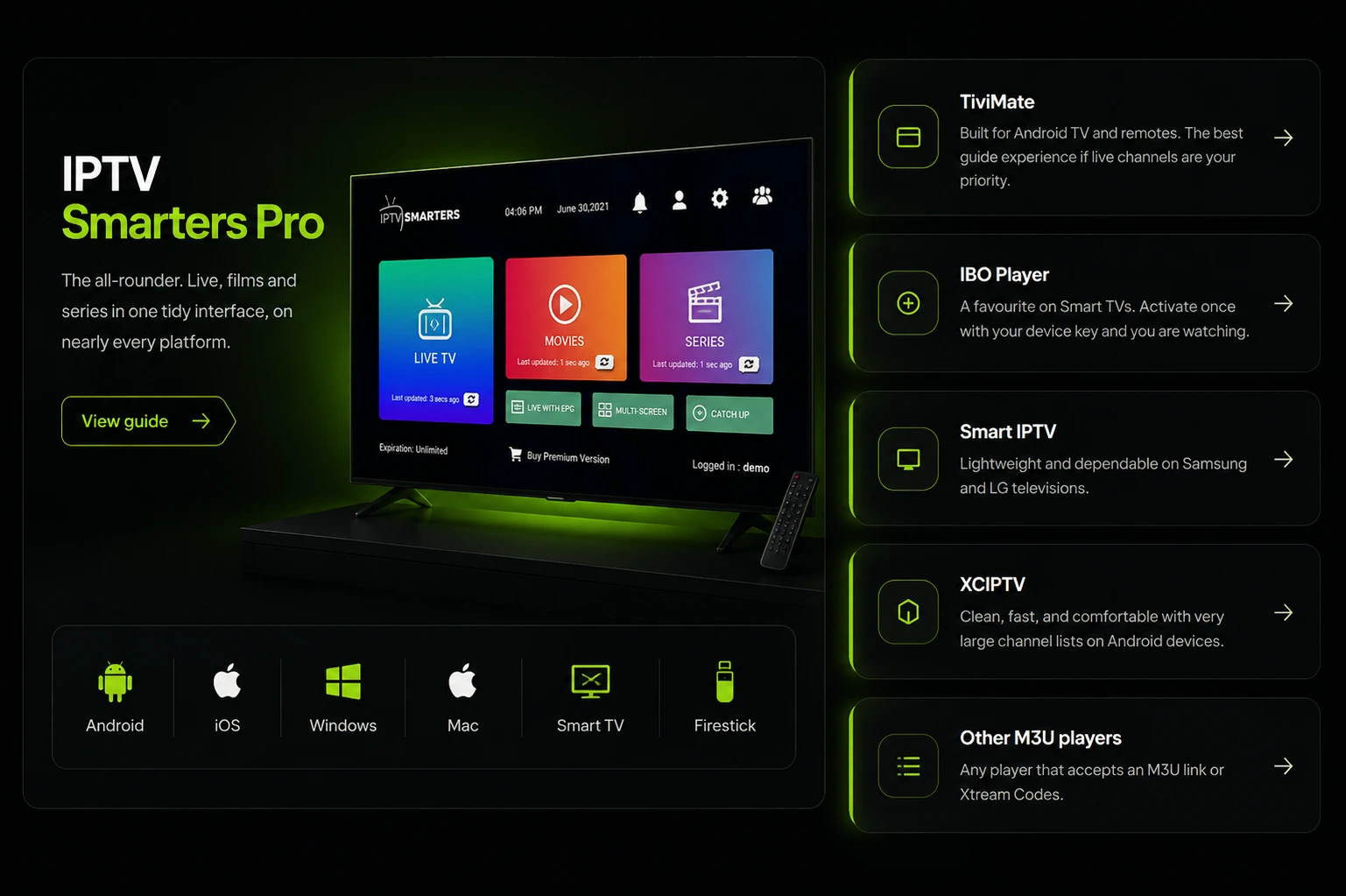 View our guide to IPTV Smarters Pro
View our guide to TiviMate
View our guide to IBO Player
View our guide to Smart IPTV
View our guide to XCIPTV
View our guide to other M3U players
View our guide to IPTV Smarters Pro
View our guide to TiviMate
View our guide to IBO Player
View our guide to Smart IPTV
View our guide to XCIPTV
View our guide to other M3U players
Not sure which player suits your device? Ask us on WhatsApp and we will tell you which one to install.
 Read the full IPTV setup guide
Chat with FelixIPTV on WhatsApp
Read the full IPTV setup guide
Chat with FelixIPTV on WhatsApp
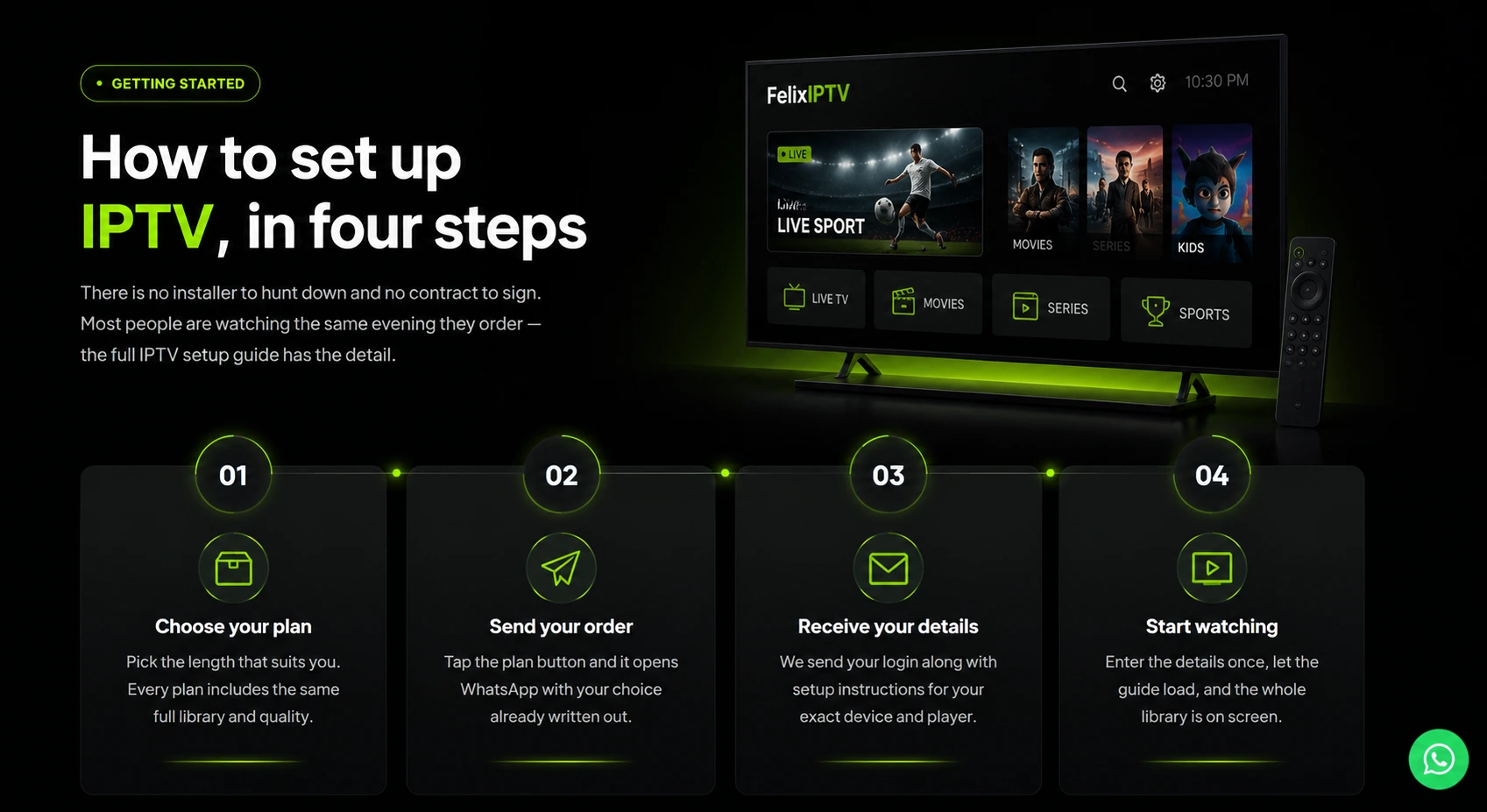
There is no installer to hunt down and no contract to sign. Most people are watching the same evening they order — the full IPTV setup guide has the detail.
Pricing
Every IPTV subscription covers 1 device and includes the complete channel and on-demand library, the 7-day EPG guide and setup support. The longer the plan, the less each month costs. Full plan details.
€20
Best for trying it properly
€35
A full season of sport
€45
Half a year, sorted
€69
Works out cheapest per month
Not sure yet? Ask for the 24-hour free trial and see how it runs on your own device first. Need more than one device at a time? Message us and we will quote it.
Why FelixIPTV
Choosing a reliable IPTV service is mostly about what a provider is willing to tell you before you pay. We would rather be specific than post numbers nobody can check.
Message the same WhatsApp number before you order, and the same one after. No ticket queue and no bot.
Ask for the 24-hour free trial and judge the IPTV streaming quality on your own TV, your own connection, your own player.
Send us the device you own and you get instructions written for that device, not a generic PDF.
Our terms, refund policy and privacy policy are short and in plain English.
Questions
If yours is not here, send it over on WhatsApp and we will answer it properly.
Judge a provider on four things rather than the headline price: whether it runs on the device you already own, whether it carries the channels you actually watch, whether you can reach a person when something breaks, and whether it lets you test before paying. Ask for a trial and check those yourself — no marketing page can answer them for you.
FelixIPTV is an IPTV subscription. You get login details that you enter into an IPTV player app on your device, and that app then streams live channels plus an on-demand library of films and series over your internet connection.
Samsung and LG Smart TVs, Android TV boxes and dongles, Fire TV and Firestick, Apple TV, iPhone and iPad, Android phones and tablets, Windows and Mac computers, and MAG-style set-top boxes.
Yes, on content that is broadcast in 4K and on a device and connection that can handle it. Everything else streams in HD. Picture quality depends on the original source as much as on us.
A stable connection matters more than a fast one. As a rough guide, around 15 Mbps is comfortable for HD and around 25 Mbps or more for 4K. A wired connection is steadier than Wi-Fi if the option is there.
Once you order, we send your login details together with written steps for the exact device and player you told us about. If anything does not go to plan, message us on WhatsApp and we will walk you through it.
Each plan listed above covers one device streaming at a time. If you need more than one stream running simultaneously, message us and we will quote you for it.
Yes. Ask for it on WhatsApp and we will set you up with a 24-hour trial so you can check the quality on your own equipment before paying for anything.
Payment is arranged directly with us over WhatsApp when you place your order. Refunds are covered in our refund policy — please read it before ordering.
Ask for the 24-hour free trial, or pick a plan and we will have you set up shortly after. Either way you are talking to a person, not a form.